

Multi-monitors that work like your desktop. Server windows. Local windows. Side by side.
Spread your work across one, two, or three screens. Server on some, your local apps on others, dragging files and copying text between them.
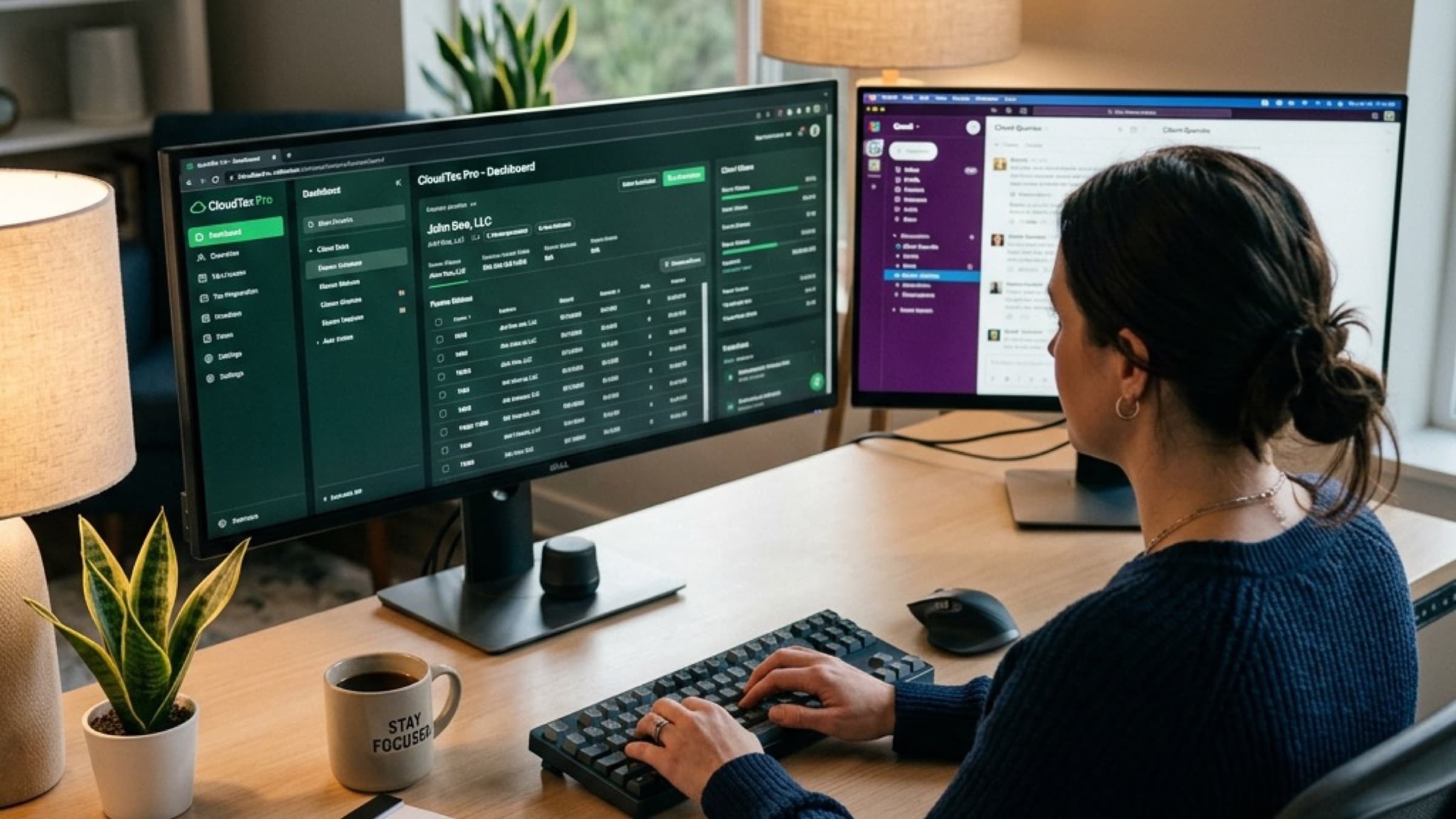
Most cloud hosts shrink you to one screen.
Tax prep, audit review, client calls. The work doesn't fit in one window. Three places multi-monitor breaks on other hosts.
One screen, two jobs
Returns and source docs stacked in one window. Constant alt-tabbing. Mistakes from copying the wrong line.
All-or-nothing remote
Other hosts make every screen a server screen. Your local Outlook, Teams, and browser get pushed off the desk.
Files trapped on the wrong side
Server file you need locally. Local PDF you need on the server. Email back to yourself or use a USB.
How multi-monitor works at Verito
Pick which screens go to your server. The rest stay local. Files flow off the server. Clipboard works both ways.
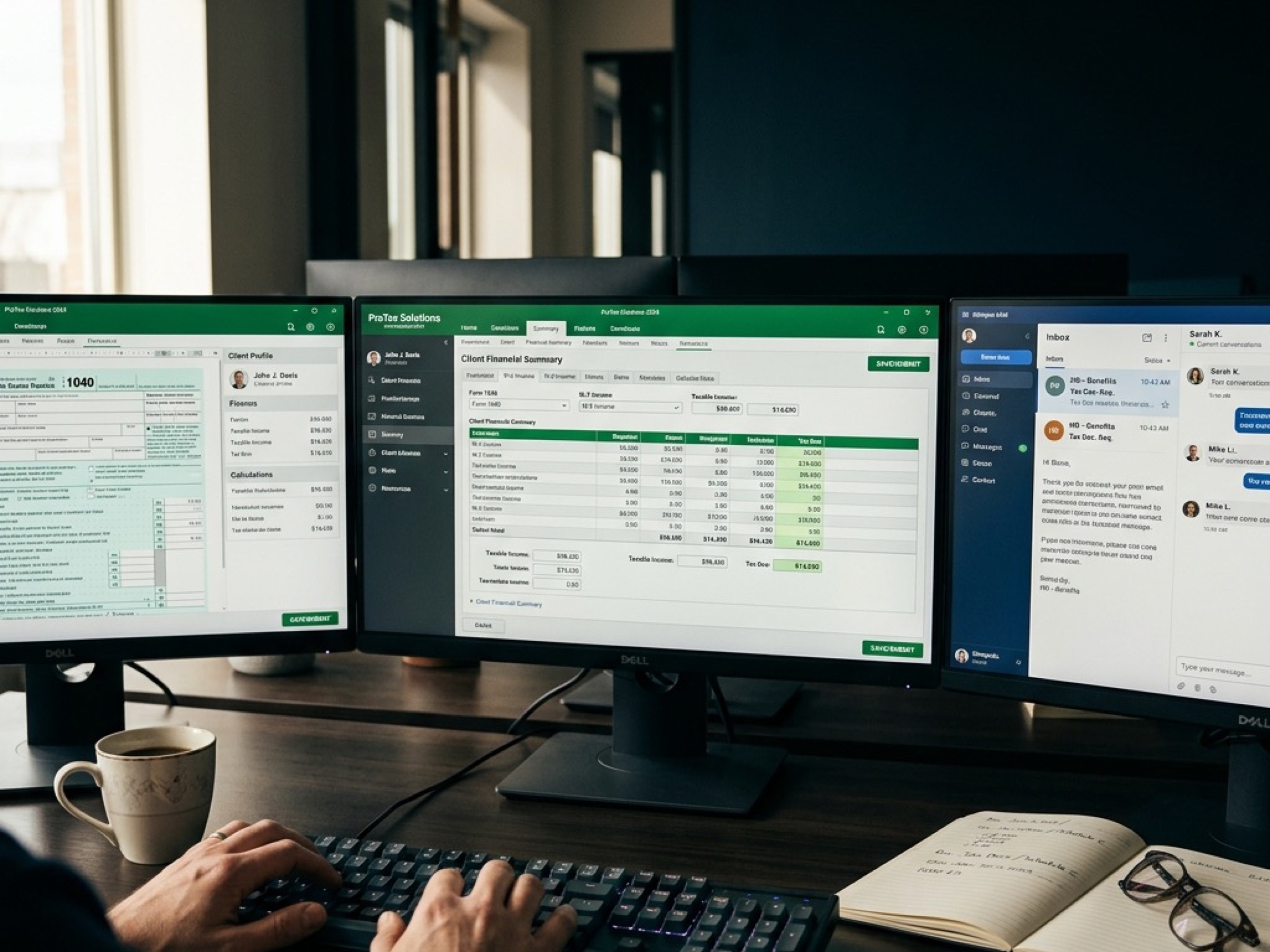
Pick 1, 2, or 3 screens
Choose which monitors show your server session. One, two, or all three. Change it any time without restarting.
Mix server + local
Screens 1 and 2 run Lacerte on the server. Screen 3 stays on your local Outlook, Teams, or browser.
Drag files off the server
Pull a finished return or PDF from the server to your local desktop in one motion. No re-upload, no email-to-self.
Copy and paste both directions
Copy a client ID from the server. Paste into local email. Copy text from a local website. Paste into the return.
Works with any setup
Windows, Mac, docking stations, laptop closed with externals. Same behavior on every device.
Lock it down per user
Turn drag, clipboard, and local-screen access on or off by role. Tight controls for remote staff, offshore preparers, or contractors. Full controls for partners.
Common questions
Multi-monitor questions
Setup, screens, files, and access control.
Still have questions?
Talk to a specialistOne, two, or three. Pick which screens show your server session and which stay local. Change it any time without restarting.
No. Multi-monitor ships on every VeritSpace tier. Essentials, Pro, and Elite.
Yes. That's the point. Lacerte, UltraTax, or Drake on screens 1 and 2. Local Outlook, Teams, or browser on screen 3.
Drag from the server to your local desktop, yes. The other direction is off by design. It keeps unscanned files from landing on the server. Upload through the secure portal instead.
Both directions. Copy a client ID from the server, paste into local email. Copy from a local website, paste into the return.
Yes. Turn each control on or off by user role. Partners get full controls. Offshore preparers and contractors can be locked to view-only sessions.
See it on a real desk.
15 minutes. We'll share three screens live. Server on two, local on one. Drag a file off, copy text across, lock down a test user.
Demo recording sent after · Month-to-month, cancel anytime