CCH ProSystem fx and QuickBooks Desktop run on one server, and the firms running this combo are usually mid-size to large practices with the heaviest resource needs. ProSystem fx is demanding, so isolation and generous memory matter most. A dedicated private server sized for enterprise concurrency keeps the suite responsive where a shared or aging in-house box cannot.
For the broader hosting decision beyond this pairing, see our guide to the best cloud hosting for tax software.
Key Takeaways
- CCH ProSystem fx and QuickBooks Desktop run together on one dedicated server built for heavier, enterprise load.
- ProSystem fx is resource-intensive, so memory headroom and fast storage matter more than for lighter suites.
- Mid-size and larger firms often move ProSystem fx off Citrix or aging in-house servers onto dedicated hosting.
- One isolated environment is the clean answer for IRS 4557, FTC Safeguards, and the SOC 2 posture larger firms need.
- Verito hosts ProSystem fx and QuickBooks on dedicated private servers, 35% faster than shared, 100% uptime since 2016.
Table of Contents Show
Can you run CCH ProSystem fx and QuickBooks on the same server?
Yes. CCH ProSystem fx and QuickBooks Desktop run together on one Windows server your team reaches remotely. For the mid-size and larger firms that run ProSystem fx, that consolidated environment is the efficient setup. The decision that matters is provisioning: ProSystem fx is heavier than most suites, so the server has to be dedicated and sized for it.
This is the ProSystem fx companion to the broader multi-app hosting guide. At enterprise scale, the architecture under the apps is the difference between a fast close and a stalled one, and the stakes are higher because more preparers and more complex returns ride on it. Verito hosts CCH ProSystem fx and QuickBooks on the same dedicated private server, sized to your peak.
Why is CCH ProSystem fx demanding to host?
Because ProSystem fx is built for complex, high-volume firm workflows, often alongside CCH document and workflow tools, so it carries a heavier compute and storage footprint than a lighter tax suite. Pair it with QuickBooks and a full firm’s concurrency and the demand climbs quickly. On undersized or shared hardware, that load is exactly where performance breaks.
This is why many ProSystem fx firms outgrow an aging in-house server or a multi-tenant host. The suite needs guaranteed resources at peak, and only dedicated, correctly sized hardware delivers that reliably. A firm that has felt ProSystem fx slow to a crawl during the busiest weeks is usually feeling the hardware underneath it give out, not the software.
How much server power does ProSystem fx and QuickBooks need?
Size it in two parts: a fixed base of roughly 8 to 10 GB for the Windows server and OS, then about 2 to 4 GB of RAM per concurrent user with ProSystem fx and QuickBooks both open, more when CCH document tools and large workpaper sets are in play. ProSystem fx is the heaviest of the common suites, so it carries the highest per-user figure in this series. Fast NVMe storage is essential, because the suite moves substantial data during busy periods.
The table below is a planning starting point for a server running QuickBooks and ProSystem fx together. Your provider sizes the exact spec to your app mix and peak concurrency.
| Concurrent users | Planning RAM (ProSystem fx + QB) | Storage | Notes |
|---|---|---|---|
| 4-8 | 16-24 GB | NVMe | Mid-size firm |
| 9-15 | 25-32 GB | NVMe | Larger firm, document tools |
| 16-25 | 40-64 GB | NVMe | Enterprise concurrency |
| 26-100+ | 64 GB- 256 GB+ | NVMe | One server, scaled vertically |
What does the right ProSystem fx hosting architecture look like?
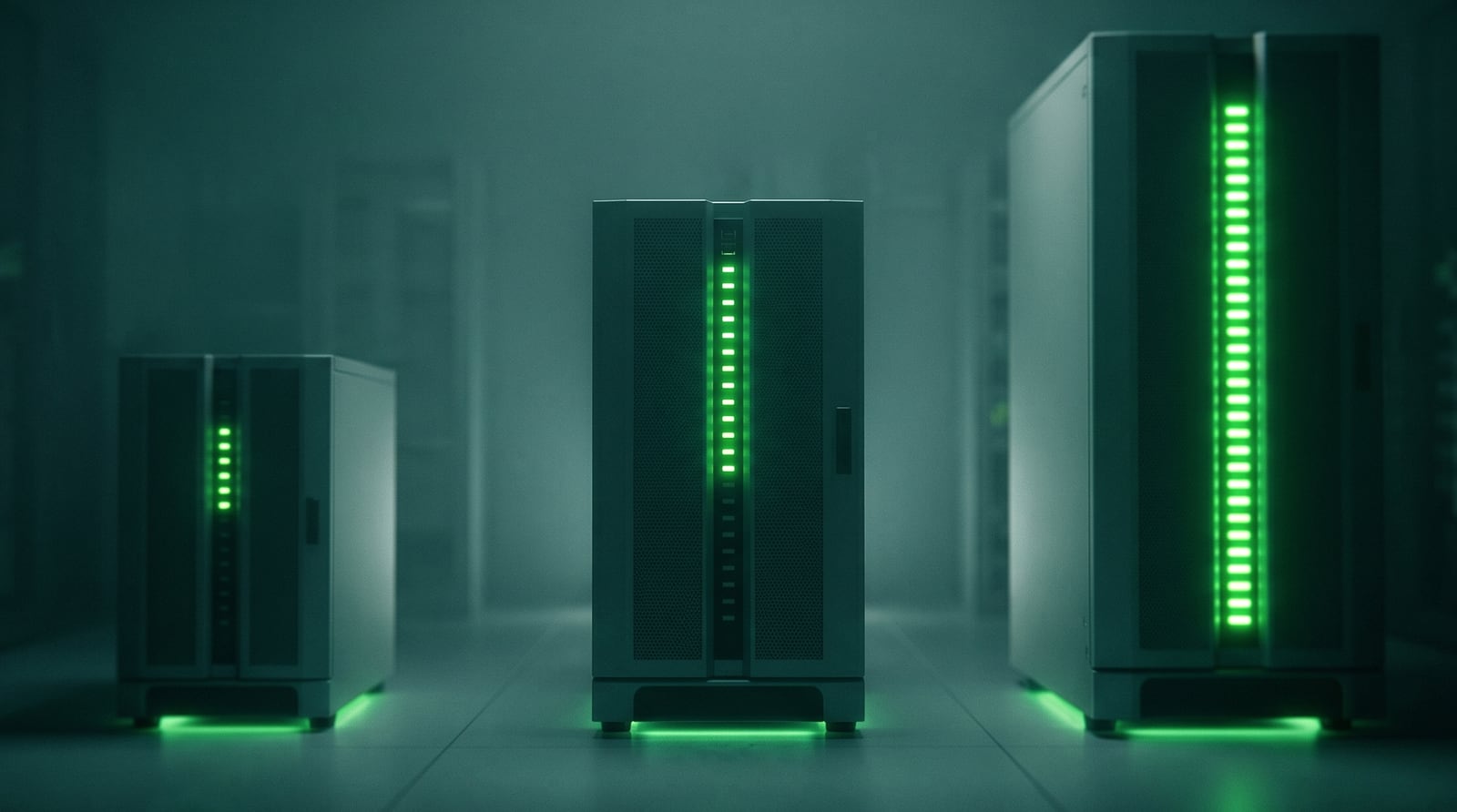
One dedicated private server reserved for your firm, running ProSystem fx and QuickBooks in a single isolated Windows environment on NVMe storage, with daily backups and encrypted remote access. The hardware is yours alone and scales vertically, so enterprise concurrency draws only on the capacity you provisioned, on one server you grow over time.
At this scale, isolation is not just a performance choice, it is a risk choice. A single-tenant environment means your firm’s uptime, security, and resources do not depend on anyone else’s behavior, which is exactly what a larger firm’s clients and insurers expect.

“I consistently recommend Verito to others and rate them a 10 for recommendation because of how beneficial and crucial their support is to my operations.”
Nick A., Owner, Rivet. G2, Oct 2025
Should you host CCH ProSystem fx or CCH Axcess, and can both run with QuickBooks?
ProSystem fx is the desktop suite that benefits most from dedicated hosting, because it runs as a Windows application. CCH Axcess is the browser-based platform, so it does not need hosting the same way. Many firms run both during a transition, and a dedicated server can host ProSystem fx and QuickBooks while Axcess runs in the browser alongside them.
The practical point for a firm mid-transition: you do not have to choose. ProSystem fx, QuickBooks, and your document tools live on the dedicated server, and CCH Axcess opens in the browser from the same desktop. The hosting question applies to the desktop applications, which are the ones that compete for server resources and need isolation and sizing.
Can you host the CCH document and workflow stack on the same server?
Yes. ProSystem fx rarely runs alone at enterprise scale. Firms also run CCH document management, scanning, and workflow tools, plus QuickBooks, and these can share the dedicated server. Consolidating them puts the entire engagement, from source documents to workpapers to the filed return, in one isolated environment instead of scattered across systems.
Each added CCH component increases memory and storage load, which is why enterprise firms size the server high from the start. The payoff is a single secured workspace for the whole firm’s tax production, which is far easier to manage, back up, and prove compliant than a patchwork of local installs and separate document stores.
| CCH component | What it does | Hosts with ProSystem fx + QB? |
|---|---|---|
| ProSystem fx Tax | Tax preparation | Yes |
| CCH Document | Document management | Yes |
| ProSystem fx Scan | Source-document scanning | Yes |
| Workflow / Workstream | Engagement workflow | Yes |
| QuickBooks Desktop | Client books | Yes, same server |
How do you migrate CCH ProSystem fx and QuickBooks off Citrix or in-house?
You move the applications and data to dedicated servers, validate the full workflow, then cut over in a planned window. For an enterprise firm a managed migration is staged: the provider provisions the servers, installs the apps, copies data with integrity checks, and tests before the switch. Verito does this white-glove, typically in 24 to 48 hours.
The enterprise sequence Verito follows on a managed migration:
- Inventory the full stack: ProSystem fx, CCH document and workflow tools, QuickBooks, integrations, printers.
- The provider provisions the dedicated server, sized generously for your peak.
- Data is migrated with integrity checks and a rollback plan.
- The firm tests end to end: returns, document tools, printing, e-file, peripherals.
- Cut over in a planned window and decommission Citrix or the in-house servers.
For a firm leaving Citrix or a self-managed server room, the migration also retires a maintenance burden your IT team has been carrying, which is often as valuable as the performance gain.
What makes ProSystem fx fast on a hosted server?
Reserved memory, NVMe storage, and a low-latency network path, all guaranteed by single-tenant isolation. ProSystem fx and the CCH document tools move large amounts of data, so fast storage and ample RAM are what keep them responsive. Because the server is dedicated, that capacity is always available, not shared with strangers who can take it at peak.
This is the core reason enterprise firms see a step change moving off shared or aging hardware. Verito measures roughly 35% faster load times than shared hosting, and for a heavy suite like ProSystem fx run across a large team, that speed compounds across every preparer, every return, every day of the season.
Can a large team work in ProSystem fx at once?
Yes. A dedicated server is built for high concurrency: every preparer logs into the same environment and works in ProSystem fx and QuickBooks simultaneously, with the CCH stack managing access to shared engagement data. The server is sized vertically for the number of people working at peak, and scales up as the team grows.
For an enterprise firm the question is not whether the team can share the environment, it is how to size it so dozens of preparers stay fast during the crunch. That is a planning exercise the provider does with you, and it is far cleaner on dedicated hardware where the resources are fully under your control and the server scales up as you grow.
How does one server scale to a large firm?
By scaling vertically. A dedicated server takes more RAM, CPU, and NVMe on the same machine, so one well-provisioned server handles 100+ concurrent ProSystem fx users without splitting into multiple environments. You add resources as the firm grows, and the team keeps working in one isolated, single-tenant server.
This is the advantage of dedicated hardware over a shared platform: capacity is a dial you turn up, not a ceiling you hit. Even a large ProSystem fx firm running the full CCH document and workflow stack alongside QuickBooks stays on one isolated server, sized generously and scaled up over time, rather than a sprawl of environments to keep in sync.
How does printing and scanning work with hosted ProSystem fx?
Your local printers and scanners redirect into the hosted session, and ProSystem fx Scan and the CCH document tools handle source documents inside the environment. Onboarding maps office hardware to the servers, and a provider that knows the CCH stack supports it through season rather than leaving a large team to troubleshoot peripherals at deadline.
At enterprise scale, reliable scanning matters as much as printing, because ProSystem fx Scan and CCH Document are central to how the firm ingests and organizes source documents. A host that understands the CCH workflow configures and supports this end to end, instead of treating each preparer’s hardware as a separate problem.
What security and SOC 2 controls protect ProSystem fx data?
The baseline is multi-factor authentication, AES-256 encryption in transit and at rest, role-based access controls, and monitored, logged access, all inside a SOC 2 audited data center, on single-tenant hardware. For a larger firm, that audited, isolated posture is what lets you answer enterprise-client security questionnaires and cyber-insurance applications credibly.
Larger ProSystem fx firms increasingly have to demonstrate SOC 2 alignment to win and keep enterprise clients, not just satisfy the IRS and FTC. Single-tenant, audited infrastructure supports that directly, and a documented written information security plan ties the controls to specific, named systems an examiner can review.
Is hosting CCH ProSystem fx and QuickBooks on one server IRS and FTC compliant?
It can be, and at the size most ProSystem fx firms operate, FTC Safeguards and SOC 2 readiness are front of mind. A dedicated private server in a SOC 2 audited data center gives you one isolated environment with documented access controls and encryption, exactly what an examiner or enterprise client wants to see.
The FTC Safeguards Rule (16 CFR Part 314) sets enforceable controls for firms holding client financial data, and IRS Publication 4557 requires documented safeguards. Verito’s FTC Safeguards alignment is part of the hosting baseline, so larger firms can show SOC 2-aligned, single-tenant infrastructure when enterprise clients ask.
Moving CCH ProSystem fx off Citrix or in-house: what changes?
Firms running ProSystem fx on Citrix or an in-house server move to dedicated hosting to stop managing hardware, patching, and uptime themselves. A dedicated private host runs ProSystem fx and QuickBooks together, sized to your firm, with support that knows the software. You trade a capital-heavy, self-managed box for predictable monthly hosting that scales.
| Factor | Citrix / in-house server | Dedicated private host (Verito) |
|---|---|---|
| Hardware and refresh | You buy and replace it | Included |
| Patching and uptime | Your IT team | Managed, 100% since 2016 |
| Isolation | Yours, self-maintained | Single-tenant, audited |
| Support | In-house or generic MSP | Sub-60-second, software-fluent |
| Cost model | Capital-heavy | Predictable monthly, per user |
“We switched from both a Citrix hosted platform, and we had previously been Right Networks customers as well.”
Dustin J., Owner, Johnson and Stern Tax Solutions. G2, Mar 2025
How are ProSystem fx and QuickBooks backed up with business continuity?
Backups run automatically to encrypted, offsite storage on the 3-2-1 model, monitored so failures are caught, with documented restore objectives. For an enterprise firm, business continuity goes further: the dedicated, redundant infrastructure and tested recovery mean a hardware failure or attack is a restore, not a shutdown that idles a large team.
At this scale downtime is expensive, so recoverability and continuity are board-level concerns. Verito has held 100% uptime since 2016 and paid zero ransom across that span, because clean, isolated managed backups remove an attacker’s only hold and redundant infrastructure keeps the firm running when components fail.
“I also appreciate the system’s reliability, as there have been practically no downtimes in the past year.”
Nassir H., Owner, All Tax NY Inc. G2, Oct 2025
How do you plan capacity for a growing ProSystem fx firm?
By sizing the dedicated server to your peak and scaling it up before you need it. The provider monitors resource use, so as your team and return complexity grow, RAM and storage are added ahead of the season rather than after a slowdown. One server, scaled proactively, carries the firm as it grows.
The signal to scale is rising peak utilization, not a crash. On dedicated hardware you can see it coming and add capacity to the same server, so the firm never hits a wall that forces a re-architecture. This is the practical benefit of capacity you control rather than a shared pool you do not.
How does Verito host CCH ProSystem fx and QuickBooks together?
Verito runs ProSystem fx and QuickBooks on a dedicated private server sized for enterprise load, on NVMe storage inside SOC 2 audited data centers, scaling vertically to 100+ users as you grow. You get one isolated environment, encrypted access, and daily backups, with support from techs who know the CCH stack and QuickBooks.
The track record is the proof: 100% uptime since 2016, roughly 35% faster than shared hosting, sub-60-second human support with 92% first-touch resolution, and white-glove migration in 24 to 48 hours on month-to-month terms. More than 1,000 firms run their stack this way, backed by Verito’s managed IT team. To architect the right setup for your ProSystem fx firm, book a VeritComplete demo.