Even the most seasoned CPA knows the truth: without the right software, every tax file feels like a puzzle missing a few pieces.
Choosing the best software for accounting firms has become significantly harder in recent years.
Practice management platforms, tax preparation systems, workflow tools, document management, client portals and security layers now sit at the center of firm operations.
Each category matters, and each decision carries real consequences. When these tools fail or perform inconsistently in March and April, partners feel it immediately in turnaround time, accuracy and client satisfaction.
The challenge is no longer limited to selecting the right applications. Accounting and tax firms also need to evaluate how these tools will run day to day, how they will scale under peak load and how they will support compliance requirements tied to IRS Publication 4557 and the FTC Safeguards Rule. A software stack may be impressive on paper, but it only becomes dependable when backed by secure hosting, consistent IT management and a documented WISP that governs how the entire environment functions.
By the end of this guide, you will have a complete understanding of the essential software categories every accounting or tax firm needs, how to compare leading tools and how to align your application choices with the right hosting and IT structure. This is the 2026 tech stack framework that firms can rely on as they grow, add remote staff, serve more complex clients and navigate increasingly strict compliance requirements.
Table of Contents Show
How Accounting Firms Should Evaluate Software in 2026
Accounting and tax firms face a dilemma. The question is no longer “Which software has the best features?” but rather “Which software will remain secure, stable and compliant when ten staff are working simultaneously during peak season?”
Firms also need to evaluate how their choices interact with hosting, data protection policies and their Written Information Security Plan. The wrong decision can create workflow disruptions, limit remote access or expose the firm to compliance gaps. The right decisions result in predictable performance throughout the year and reduced operational stress for partners.
Key Criteria Accounting Firms Should Prioritize
Most firm owners evaluate tools based on pricing and convenience, but those surface factors rarely determine performance during filing deadlines. A more reliable approach is to assess software and infrastructure through the following criteria:
1. Security and compliance readiness
Tools must support strong access controls, permission structures, audit logs and MFA. They should align with the firm’s WISP and integrate cleanly with SOC 2 and IRS Publication 4557 ready hosting. Any tool storing taxpayer data needs clear vendor security documentation and predictable update cycles.
2. Uptime and performance during peak load
Accounting firms experience extreme usage spikes in March and April. Software must maintain speed and stability when multiple staff work concurrently. Desktop tools require dedicated hosting to avoid delays, corrupted files or freezing during multi-user operations.
3. Deployment model and level of control
SaaS tools reduce local maintenance but may limit visibility into data residency and backup behavior. Desktop software offers more control when hosted securely in the cloud. Firms must decide where control, auditability and performance matter most for their workflows.
4. Integration with the existing environment
A firm-grade stack requires smooth connections among GL tools, practice management, document management, e-signature, tax software and the client portal. Disconnected systems create repeat data entry, higher error rates and greater IT overhead.
5. Vendor support and responsiveness
Support quality varies widely. Firms should prioritize vendors with experience assisting accountants during compressed deadlines and who offer dependable human support rather than slow ticket queues.
6. Total cost of ownership
Subscription fees are only part of the expense. Firms must account for hosting, IT management, backups, security tools, device management, staff training and the financial impact of downtime. A lower sticker price often masks higher operational risk.
Essential Software Categories for Accounting and Tax Firms
A firm-grade tech stack covers more than tax and bookkeeping software. Each category below plays a specific operational role, and when supported by secure hosting and consistent IT management, these systems provide stable performance, cleaner workflows and a stronger compliance posture.
General Ledger and Bookkeeping Systems
GL systems support write up work, trial balances and year end adjustments. Firms need fast file switching, accountant specific reporting and reliable integrations with tax and workpaper tools.
Desktop GL tools like QuickBooks Desktop still offer depth but require dedicated hosting for secure multi user access and predictable remote performance. Cloud GL tools reduce local maintenance but can limit control over backups and audit trails. Running GL software on managed private hosting reduces conflicts and ensures consistent access.
Tax Preparation and Compliance Software
Tax software drives most firm workflows and must support organizers, diagnostics, multi preparer access and fast review cycles. These tools often strain local servers during busy season.
Hosting tax applications such as Lacerte, Drake, UltraTax, ProSeries and CCH Axcess on dedicated private servers keeps databases encrypted, backed up and accessible to all preparers without performance loss. This also aligns better with the controls required under IRS Publication 4557.
Practice Management and Workflow Platforms
Practice management tools organize deadlines, tasks and client communication. Firms should prioritize strong permissions, automation options and integrations with tax and document systems.
Because PM platforms store sensitive information and are used heavily during filing periods, they require consistent identity management, secure endpoints and stable integrations, even when delivered as SaaS.
Document Management and E Signature Systems
A DMS stores client documents, source materials and workpapers. Firms need permission controls, versioning, structured folders and reliable e-signature capabilities.
SharePoint, Google Workspace and PM integrated DMS tools work well when paired with governance, clear retention rules and hosting environments that protect data flows between DMS, tax and portal systems.
Client Portal and CRM Tools
Portals streamline secure file exchange and reduce email traffic. A good portal must support simple uploads, messaging, task visibility and e signatures.
Ease of use and MFA support are essential, as client documents often contain the most sensitive PII. Even with SaaS portals, firms still need strong device security and access controls to protect data.
Time Tracking and Billing Systems
Time and billing tools help firms manage realization, capacity and invoicing. They should integrate smoothly with GL and PM systems and support hourly, fixed fee and value billing.
Because these systems hold sensitive client and internal data, they require secure identity controls and reliable hosting or IT oversight to prevent access issues during billing cycles.
Payroll and HR Tools
Payroll and HR platforms must manage sensitive employee information, multi-state requirements and compliance updates.
Security expectations are high. Firms need MFA, clear export controls and vetted vendor documentation. Even outsourced payroll requires strong device and network security on the firm’s side.
Security, Backup and IT Management Solutions
Security and IT operations hold the entire stack together. Firms need EDR, MFA, device patching, encrypted backups and monitoring to maintain stability and compliance.
Solutions like VeritGuard or VeritComplete centralize these controls, manage evidence for audits and ensure that tax, GL and workflow tools perform reliably on dedicated hosting.
For firms that want to understand how secure hosting strengthens overall performance, you can explore Verito’s secure cloud accounting software hosting for your firm.
12 Best Software & Solutions for Accounting and Tax Firms
Accounting and tax firms depend on a tight combination of applications and infrastructure. The list below includes leading tools across tax preparation, general ledger, workflow, document management and hosting or IT. Each entry focuses on how the product performs for real accounting firms, not generic small businesses. The goal is to help partners evaluate tools through the lens of performance, security, compliance and operational fit.
Here are 12 hand-picked softwares and solutions that can improve your firm’s efficiency:
1. QuickBooks Desktop (Hosted in the Cloud)
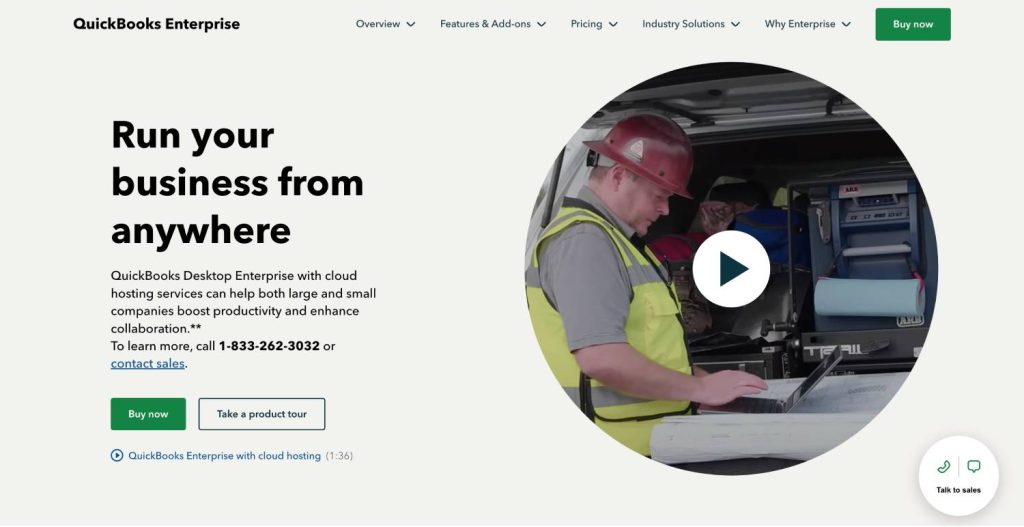
QuickBooks Desktop remains one of the most widely used general ledger systems for accountants handling complex write up and multi entity clients. Despite the growth of SaaS alternatives, many firms prefer its feature depth and reporting flexibility.
2. QuickBooks Online Accountant (QBOA)
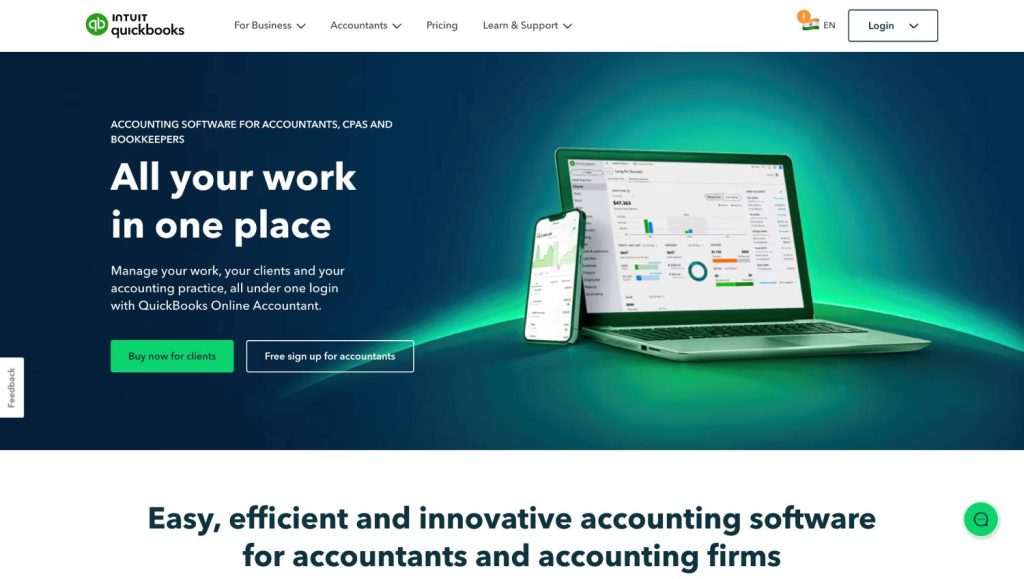
QBOA is the cloud version of QuickBooks designed specifically for accounting firms to manage multiple client books in one dashboard.
3. Xero (Cloud GL Option)
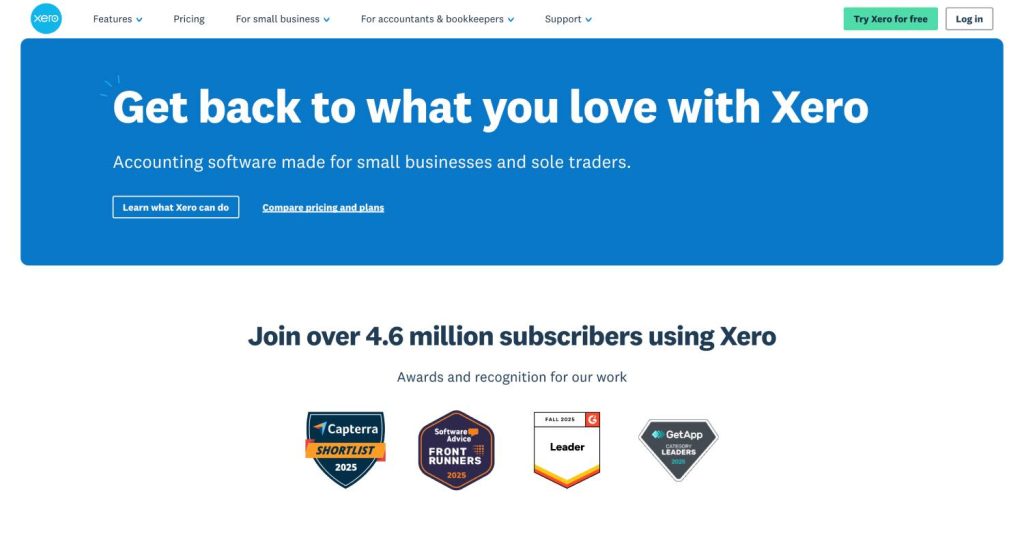
Xero is a cloud based general ledger system used by smaller accounting firms and bookkeeping practices that prioritize simplicity, collaboration and easy onboarding for client accounting work.
4. Drake Tax

Drake is a high speed, cost effective tax preparation system widely used by small to mid sized accounting and tax firms.
5. Intuit Lacerte

Lacerte is preferred by firms that handle high complexity returns and require powerful diagnostics and multi step review workflows.
6. UltraTax CS
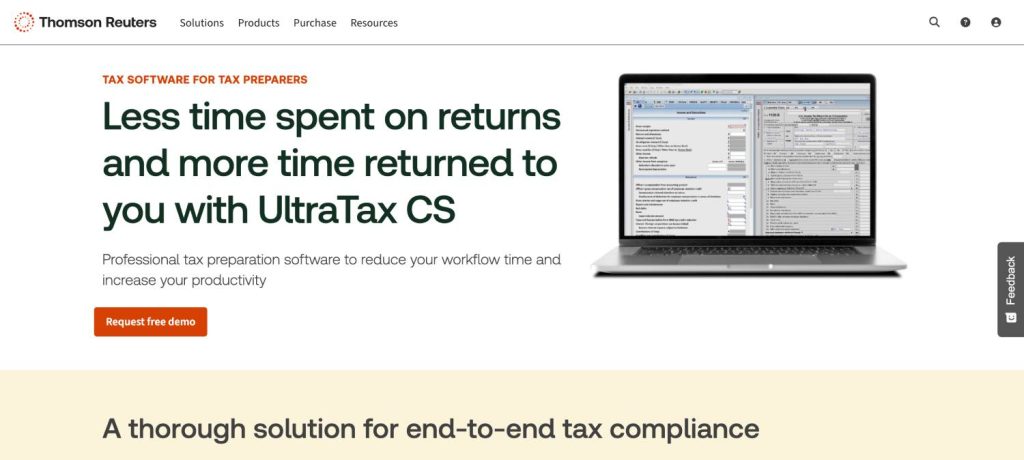
UltraTax CS is a comprehensive desktop tax preparation system used by firms handling higher complexity returns and requiring deep integration with the Thomson Reuters ecosystem.
7. CCH Axcess Tax
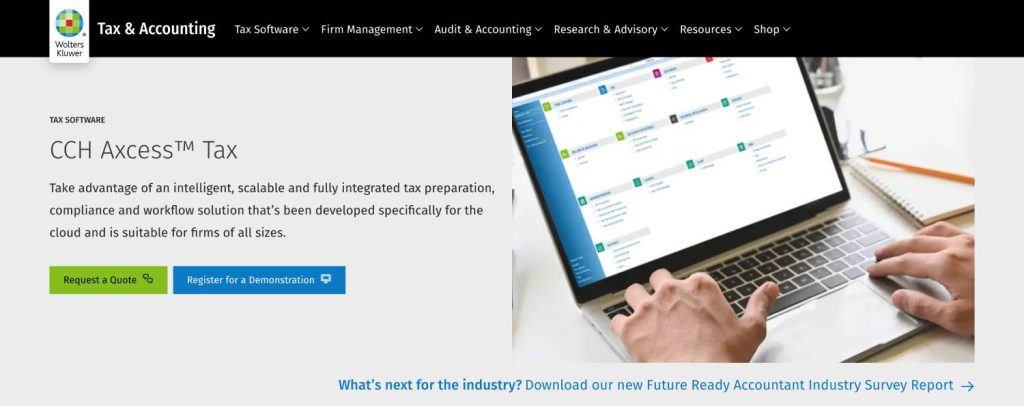
CCH Axcess Tax is a cloud forward tax preparation system designed for firms that want strong analytics, remote access and modern collaboration tools.
8. TaxDome
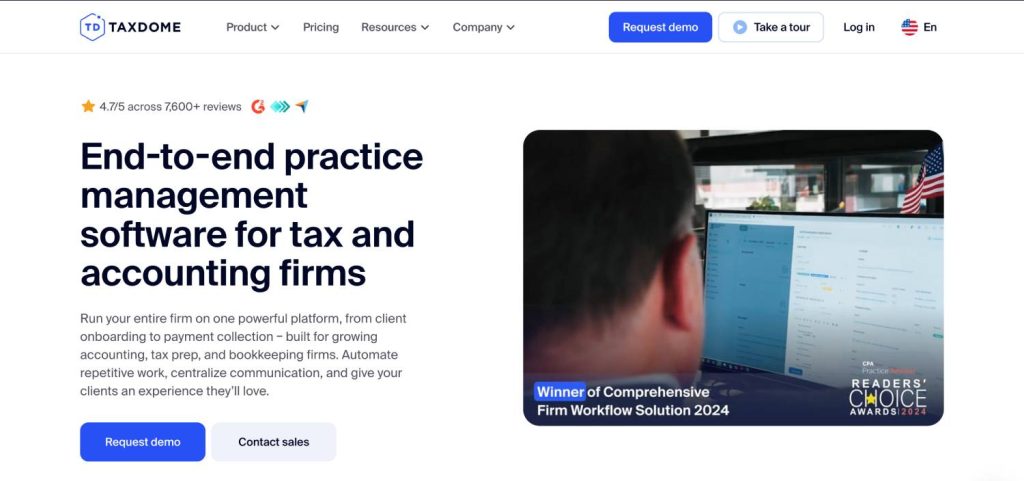
TaxDome is an all in one platform combining practice management, client portal, document management, workflow automation and e signature.
9. Karbon
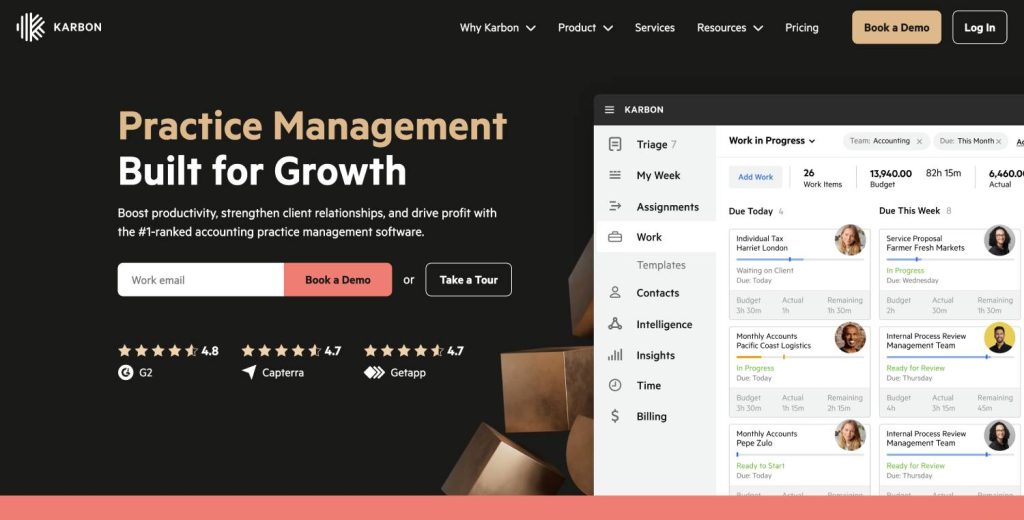
Karbon is a collaborative practice management system designed for distributed accounting teams with email driven workflows.
10. Jetpack Workflow

Jetpack Workflow is a lightweight workflow management system used by smaller accounting firms to standardize processes, track deadlines and create recurring templates.
Many firms rely on Microsoft 365 or Google Workspace for document storage, collaboration and email. Both offer strong baseline tools that become firm-grade when governed by clear folder structures and permission models.
12. Verito + Your Accounting and Tax Software (Infrastructure and IT Foundation)
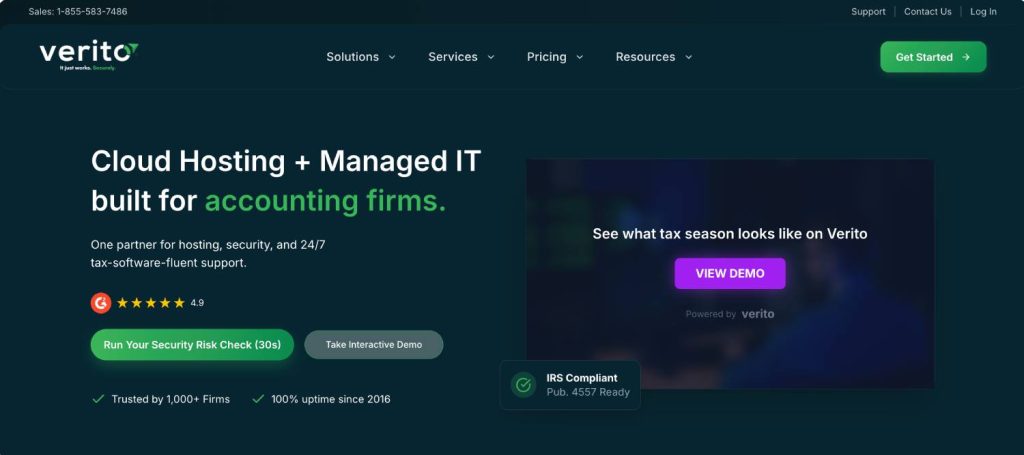
Verito is the secure hosting and IT backbone that firms use to run desktop accounting and tax software with predictable performance, remote access and compliance alignment. It is used by firms of all sizes that rely on QuickBooks Desktop, Lacerte, Drake, UltraTax, ProSeries, CCH Axcess and other core applications. Verito is not accounting software. It is the platform that makes accounting software stable and secure.
The table explains these softwares further:
| Software | Category | Best For | Key Strengths (Condensed) | Limitations or Risks | Infrastructure & Compliance Needs |
|---|---|---|---|---|---|
| QuickBooks Desktop (Hosted) | GL | Firms needing desktop-grade features with remote access | Deep reporting, strong accountant tools, multi-company workflows | Local installs risk corruption; needs strong hosting; roadmap uncertainty | Performant only on dedicated private servers; encrypted backups; stable multi-user access |
| QuickBooks Online Accountant (QBOA) | GL | Firms wanting simple cloud GL with low maintenance | Browser access, multi-client dashboard, broad integrations | Limited backup control; variable performance; fewer advanced features | Secure endpoints, MFA enforcement, export backups and policy-driven access |
| Xero | GL | Small firms needing a clean, cloud-native GL | Simple UI, rich app ecosystem, easy multi-client handling | Limited audit logs; advanced reporting may need extras | MFA, endpoint controls, WISP-aligned integration governance |
| Drake Tax | Tax | Firms wanting speed and affordability | Fast UI, broad forms, reliable e-file, easy for seasonal staff | Interface less polished; must be hosted for multi-user; weak local performance | Best on dedicated private servers with encrypted storage, backups and access controls |
| Intuit Lacerte | Tax | Firms with complex returns and multi-step reviews | Strong diagnostics, proforma, reviewer workflows, scalable | Heavy resource usage; costly licensing; local installs strain servers | Requires high I/O performance, encrypted backups and compliant hosting |
| UltraTax CS | Tax | Firms using Thomson Reuters ecosystem | Deep diagnostics, entity support, strong review tools | Resource heavy; long onboarding; ecosystem lock-in | Needs isolated servers, monitored access logs and consistent performance controls |
| CCH Axcess Tax | Tax | Cloud-forward firms with multi-office teams | Modern cloud UI, flexible deployment, strong analytics | Onboarding complexity; vendor dependence; workflow changes | SaaS requires strict MFA, device security, and controlled data flows |
| TaxDome | PM / Portal / DMS | Firms wanting an all-in-one client and workflow system | Unified portal, messaging, e-sign, automation | Vendor lock-in; migration complexity; may not scale for larger firms | WISP-driven device controls; secure integration with hosted tax apps |
| Karbon | PM | Distributed teams needing structured workflows | Deep workflow templates, email integration, capacity visibility | Requires team change management; may need separate DMS | Strong identity and device controls; secure integration with hosted desktop tools |
| Jetpack Workflow | Workflow | Small firms standardizing basic workflows | Quick setup, recurring tasks, deadline tracking | Limited automation; no built-in DMS; basic audit trails | Requires consistent endpoint security and backups for workflow data |
| SharePoint / Google Workspace | DMS | Firms needing flexible, cloud-based DMS | Strong file sharing, enterprise security, integrations | Can become chaotic without governance; permission complexity | Structured DMS governance, MFA, device and access controls, retention policies |
| Verito (Hosting & IT | Hosting / IT | Firms needing stable hosting for tax and GL systems | Private servers, SOC 2 Type II, scaling, expert support, optional managed IT | Requires structured onboarding; legacy configs may need tuning | Centralized MFA, backups, monitoring, access logs, WISP alignment to 4557 & Safeguards |
Preferred Tech Stacks based on the Firm Size
Most accounting and tax firms fall into predictable operational patterns based on headcount, complexity of work and staff distribution.
The examples below illustrate practical, real world software stacks that firms use every day. These are not theoretical templates. They reflect how tools actually fit together and how hosting or IT support influences performance and compliance.
1. Solo CPA or 1 to 3 Person Firm
Solo practitioners and small teams need a tech stack that minimizes administrative overhead while supporting secure client work. Cost predictability matters, but reliability matters more, because downtime directly affects billable hours. These firms often rely on a few high impact tools and benefit significantly from simple, governed workflows and managed hosting.
Typical needs and constraints
- Remote access without maintaining an internal server.
- Easy onboarding for seasonal staff.
- Simple but secure document handling and client communication.
- Tight budgets, limited capacity for IT troubleshooting.
Typical stack
- GL: QuickBooks Online Accountant or Xero
- Tax: Drake or ProSeries hosted in a secure cloud environment
- Practice management: Jetpack Workflow or lightweight PM tools included in TaxDome
- Document management and e sign: Built in TaxDome features or structured folders in Microsoft 365 or Google Workspace
- Client portal: TaxDome or a simple secure portal tied to the PM system
- Hosting and IT: Dedicated private hosting for tax software plus managed IT support to cover MFA, patching, device security and backups
This setup ensures the solo CPA avoids local machine failures, gains secure remote access and meets baseline compliance requirements without maintaining on premises infrastructure.
2. Growing Firm with 4 to 15 Staff
Firms in this stage handle higher workloads, more complex clients and distributed staff. Visibility and workflow discipline become essential. These firms often run a mix of desktop and cloud tools, which requires a stable hosting layer and structured IT management.
Typical needs and constraints
- Multi preparer tax workflows and shared databases
- More structured client communication and project oversight
- Consistent document storage across staff
- Remote workers and multi location needs
- Limited IT capacity, but higher compliance exposure
Typical stack
- GL: QuickBooks Desktop hosted in a dedicated cloud environment or QuickBooks Online Accountant
- Tax: Drake, Lacerte or UltraTax hosted on private servers for strong performance
- Practice management: TaxDome for integrated PM and portal or Karbon for deeper workflow control
- Document management and e sign: PM built-ins plus SharePoint or Google Drive with enforced structure.
- Client portal: The PM system’s portal as the central communication hub
- Hosting and IT: VeritSpace private servers for desktop tax and GL, plus managed IT support for accounting firms to enforce MFA, monitoring, backups and policy alignment
This configuration gives the firm predictable performance during tax season, secure collaboration across remote teams and a compliance ready operating environment.
Established Firm with 16 to 50 Staff
Established firms have formal processes, larger client bases and deeper security obligations. They require structured workflows, controlled permissions, multi office collaboration and evidence driven compliance. At this stage, internal servers and ad hoc IT practices often break down under load.
Typical needs and constraints
- Stable multi user tax software with heavy database usage
- Formal project management and standardized workflows
- Sophisticated document management with retention policies
- Strong identity and device management across large teams
- Formal WISP implementation and audit readiness
- Minimal tolerance for downtime
Typical stack
- GL: Mix of QuickBooks Desktop hosted securely in the cloud and Sage Intacct for more complex clients
- Tax: Lacerte, UltraTax or CCH Axcess Tax running on isolated, dedicated private servers
- Practice management: Karbon or TaxDome depending on preferred workflow model
- Document management and collaboration: SharePoint as the structured DMS with clear permissioning and integration across PM and tax
- Client portal: Firm wide adoption of the PM system’s portal for consistency
- Hosting and IT: VeritSpace for dedicated private servers, VeritComplete for all in one hosting, IT, security operations and compliance documentation, and VeritShield for WISP creation and maintenance
This stack supports complex multi preparer workflows, enables secure access across distributed teams and provides the audit trail required to satisfy regulators and cybersecurity insurers.
Cloud vs Desktop Software for Accounting Firms (And Why Hosting Matters)
Multi-preparer workloads, compressed deadlines, large databases and strict regulatory requirements mean the choice between cloud and desktop software must be made carefully.
Both models remain relevant, and most firms use a hybrid approach. What matters is not simply where the software runs, but how securely and reliably it operates during the months when stability is most critical.
| Attribute | Desktop Software on Local Servers | Cloud SaaS Applications | Desktop Software Hosted on Dedicated Private Cloud |
|---|---|---|---|
| Performance During Tax Season | Often slows or becomes unstable under multi preparer load due to limited local hardware. | Can experience vendor-side performance fluctuations during peak periods. | Consistent speed under heavy multi-user activity with scalable server resources. |
| Support for Complex Returns & Heavy Workflows | Strong functionality but highly dependent on hardware reliability. | Limited depth for certain complex workflows; not always comparable to desktop tax tools. | Full desktop functionality with reliable performance and controlled resources. |
| Remote Access Reliability | Requires VPN or remote desktop, often unstable and slow. | Built-in remote access from any browser. | Secure remote access with isolated servers and predictable performance. |
| Maintenance Requirements | High. Requires manual patching, hardware upkeep and local backups. | Low. Vendor handles updates, but firms must manage devices and access. | Centralized patching, updates and backups handled by the hosting provider. |
| Data Control & Backup Visibility | Backups are inconsistent or manual; risk of data loss is higher. | Limited visibility into vendor backup schedules and data residency. | Encrypted, automated backups with full visibility and retention policies. |
| Security & Compliance (WISP, 4557, Safeguards) | Hard to enforce consistent access controls and security logs. | MFA and access controls depend on vendor policies; endpoint security is still the firm’s responsibility. | Full control of access policies, MFA enforcement, audit logs and infrastructure required for IRS Publication 4557 and FTC Safeguards. |
| Multi User Stability | Common conflicts, file corruption, database locks. | Stable for small to mid workloads, but limited for desktop-equivalent performance. | Built specifically for multi-preparer workflows with isolation and resource scaling. |
| IT Overhead | High internal burden; issues surge in March and April. | Lower infrastructure burden, but device and user security remain critical. | Centralized IT operations, monitoring, patching and endpoint security handled by hosting providers. |
| Vendor Dependency | Dependent on local IT and hardware lifespan. | Fully dependent on SaaS vendor uptime and roadmap. | Balanced model with firm-level control and provider-level stability. |
| Best Fit For | Firms with strong internal IT and minimal remote access needs. | Firms with simple workflows or smaller client bases prioritizing convenience. | Firms using desktop tax and GL systems require stable multi-user performance, strong security and remote access. |
Creating a Future-Ready Software Environment for Accounting Firms
Accounting and tax firms face a more complex software landscape than ever.
With dozens of tools available across general ledger, tax preparation, practice management, workflow, document management, and client communication, the challenge is not simply choosing applications.
The challenge is choosing systems that will remain secure, fast, and stable during the months when your firm cannot afford missteps. The best software for accounting firms performs well under pressure, supports multi preparer workflows, integrates seamlessly with your broader environment, and fits into a documented compliance framework.
The most reliable firms follow a consistent process. They identify the categories they need, narrow each one to a short list of firm grade tools, and then evaluate how those applications behave when hosted on secure, isolated infrastructure.
When desktop tax software, GL systems, practice management tools, and DMS platforms run on a well managed environment, they deliver predictable performance even during peak filing periods. When supported by structured IT operations and a complete WISP, they meet the expectations of IRS Publication 4557, the FTC Safeguards Rule, and cybersecurity insurers.
The next steps for most firms are straightforward.
- First, narrow your software options to three to five tools in each category that align with your workflows, staff structure, and service lines. The earlier parts of this guide outline what firms should look for and which systems consistently perform well for practices of different sizes.
- Second, see how your chosen software behaves on dedicated private servers with consistent security controls and expert support. This is the most accurate way to understand how your stack will perform when it matters.
If you want to evaluate your stack in a real hosted environment, you can start a 15 day VeritSpace cloud hosting trial.
For teams that prefer a single solution covering hosting, IT management, monitoring, backups, MFA, EDR, and compliance support, VeritComplete provides an all in one operating environment built exclusively for accounting and tax firms. It reduces operational friction, ensures consistent uptime, and creates an audit ready foundation for your entire stack.
A stable, secure, high performing tech stack is no longer optional. It is the basis for consistent service delivery, predictable staffing, and long term compliance. With the right mix of applications and the right infrastructure supporting them, your firm can move through every season with confidence.
FAQ
1. What software do most accounting firms use today?
Most firms use a blend of desktop and cloud systems. QuickBooks Desktop and QBOA remain common for general ledger work, with Sage Intacct or Xero used for more complex clients.
Tax preparation typically centers on Drake, Lacerte, UltraTax, ProSeries and CCH Axcess. Practice management often comes from tools like TaxDome, Karbon, Jetpack Workflow or Canopy, while document management often relies on SharePoint, Google Workspace or PM built-ins.
Across the industry, firms choose tools that stay stable during busy season, support multi-preparer workflows and integrate reliably with the rest of the stack. A hybrid environment supported by secure hosting and structured IT processes remains the most dependable model.2. What software does a small accounting firm need at a minimum?
A small firm typically needs a GL system, a tax preparation tool, a workflow or practice management solution, a secure DMS and a client portal. These cover intake, preparation, review and delivery.
Basic security measures are mandatory. MFA, endpoint protection, regular backups and defined access controls should be documented in the firm’s WISP. Most small firms also benefit from hosting desktop tax software on dedicated private servers to avoid local system failures and ensure secure remote access.3. Should a CPA firm prioritize cloud or desktop software in 2026?
Both remain relevant. Cloud tools offer convenience and simple onboarding, while desktop tax and GL systems still deliver better speed, deeper features and stronger multi preparer performance. Many firms use a hybrid approach.
The real priority is running each tool on stable, secure infrastructure. Desktop software hosted in a dedicated private cloud often provides the best mix of control, performance and remote access.4. How do I choose between practice management tools like TaxDome, Karbon, Jetpack Workflow and Canopy?
Start with your firm’s workflow requirements. TaxDome suits firms wanting an integrated portal and DMS. Karbon supports structured, email driven collaboration. Jetpack Workflow and Canopy work well for standardizing tasks in smaller teams.
Focus on permissions, automation depth, integrations and how each tool fits your WISP policies. Even cloud PM systems depend on secure endpoints, MFA and consistent backups to function reliably.5. How does hosting affect the security and compliance of my software stack?
Hosting determines how securely and consistently your applications run. Dedicated private hosting provides isolated servers, encrypted storage, monitored access and reliable backups that support IRS Publication 4557 and FTC Safeguards requirements.
Local servers often create downtime, performance issues and inconsistent backup behavior, while shared hosting introduces isolation and stability risks. Centralized hosting and IT management provide the audit ready evidence firms increasingly need.5. How much should accounting firms budget for software and IT together?
Software licensing is only part of the true cost. Firms must also budget for hosting, security tools, monitoring, device management, backups and support. As firms grow, unmanaged IT quickly becomes a bottleneck.
Small firms typically invest in GL, tax, PM and DMS tools along with dedicated hosting and managed IT. Mid-sized firms often add stronger security operations and WISP management. Predictable, bundled services usually result in better uptime and lower long term risk.